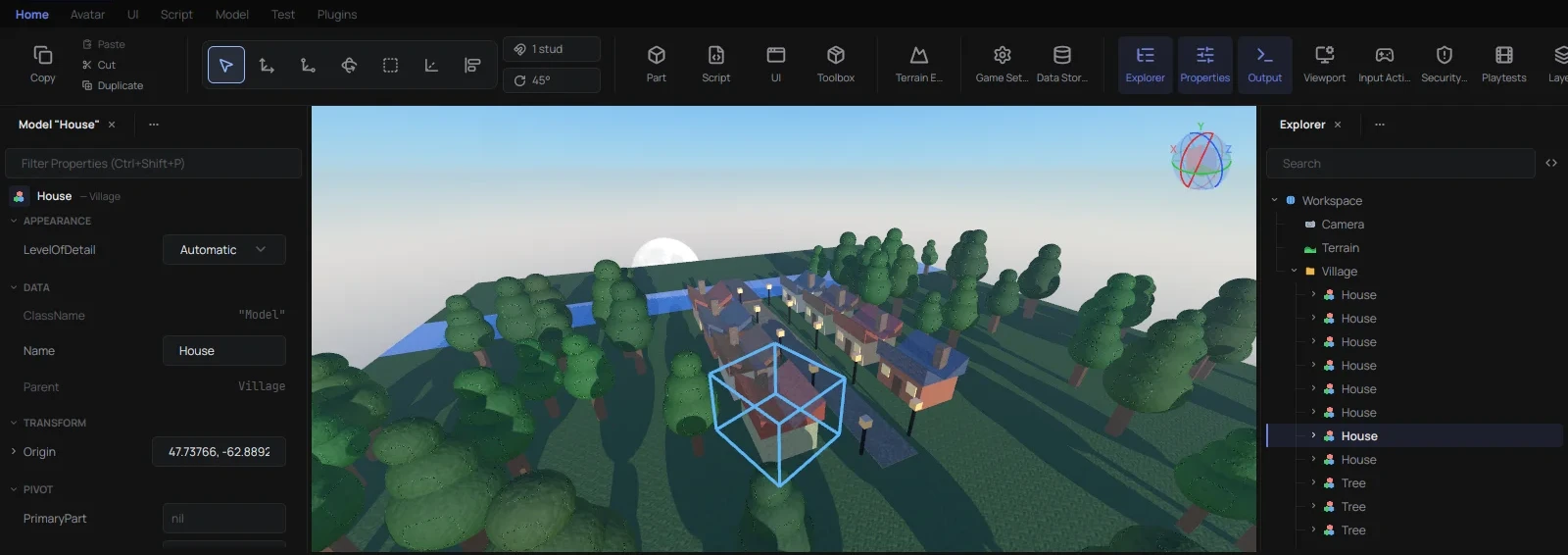
No Wine, no VM, it's a real native app written from scratch in Rust.
It's pre-alpha. It opens real places and you can build, script, animate and playtest in it, but plenty is still missing or approximated, so expect bugs.
Download for Linux Read the docs
v0.1.0, unpack it and run rbxstudio. macOS and Windows releases are upcoming, Linux goes first.
 Files
 Editor
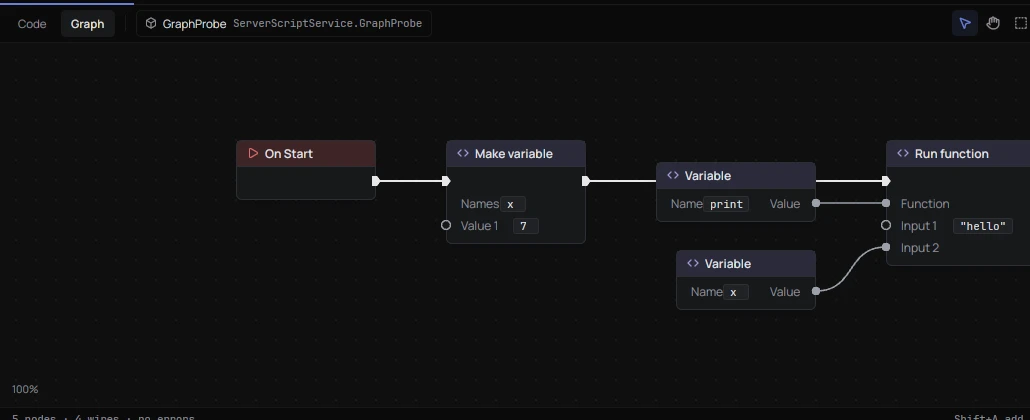
 Scripting
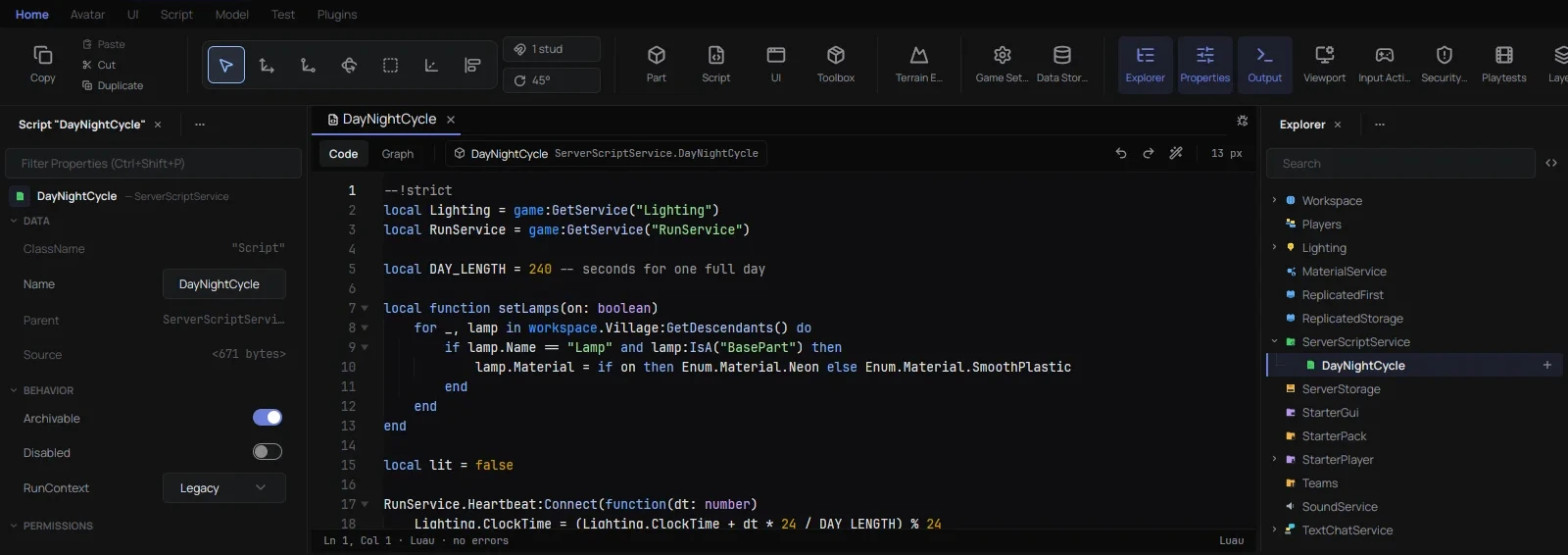
luau-lsp (autocomplete, hover, go to definition, diagnostics), StyLua formatting and a debugger with breakpoints Console
 Animation
 UI
 Terrain
 Plugins
 Play
 Cloud
Real Team Create isn't happening, that part belongs to Roblox. What exists instead is a Studio plugin that talks to RbxNative through a relay.
Each side sees the other's camera, selection and open script, end-to-end encrypted. Live co-editing is a beta toggle in the plugin, off by default.
RbxNative has its side built in, only people in Studio need the plugin. Get it on the Creator Store, or download TeamPresence.rbxmx, drop it in Studio's plugins folder (Plugins tab, Plugins Folder) and restart Studio. Either way, allow the HTTP requests when it asks.
To build it yourself you need Rust 1.96 or newer from rustup.rs. First build takes a while, it's a big project.
X11 is the main target. Wayland works but without pointer lock. Play needs Sober or Roséline installed. Most things work without a Roblox account.
# Debian/Ubuntu
sudo apt install libxkbcommon-x11-dev libx11-xcb-dev libssl-dev libfontconfig1-dev

git clone https://github.com/chteau/rbx-native
cd rbx-native
cargo build --release -p rbx_studio --bin rbxstudio
./target/release/rbxstudioLighting.ClockTime reads the right value instead of 0Selection works from the Command BarFork it, ship it, sell it, do what you want. But keep the copyright and license notice in anything that uses this code. Read it here, it's short.
AI coding tools get used a lot on this project, no point hiding it. Nothing lands without a human going through the code and testing it against real Studio.